7 Best Free Invoicing Software in 2026

 KipBill Team
Whether you are a freelancer, a self-employed professional, a small business owner, or managing a growing company, the right invoicing software can save you hours every month and help you get paid faster. But with dozens of options on the market, choosing the right one is not easy — especially when you are trying to keep costs low.
We tested and compared seven of the best free invoicing tools available in 2026. For each platform, we looked at ease of use, feature set, limitations on the free plan, and what you get when you upgrade. Here is what we found.
What We Looked For
Before diving into individual tools, here are the criteria we used to evaluate each platform:
- Free plan usability: Can you actually run your business on the free tier, or is it too limited?
- Invoice quality: Do the generated invoices look professional?
- Core features: PDF generation, recurring invoices, expense tracking, multi-currency support.
- Ease of use: How quickly can a new user create and send their first invoice?
- Upgrade path: Are the paid plans reasonably priced if you outgrow the free tier?
1. KipBill
Best for: Anyone who invoices — from solo freelancers and self-employed professionals to small businesses and growing companies with teams.
KipBill is a modern invoicing platform that scales from a one-person operation to a 100-user team. Its free plan is already more complete than many competitors' paid tiers, and the paid plans are among the most affordable on the market.
What you get for free (no credit card required):
- Unlimited invoices — create as many invoices as you need, no caps
- Send invoices by email (up to 10/month) — most competitors charge for this
- Real-time view tracking — get notified the moment your client opens your invoice
- Client portal — your clients get their own portal to view, download, and manage invoices
- Share via WhatsApp — send invoice links directly through WhatsApp with one click
- Payment recording — log partial or full payments against any invoice
- Tax calculation — automatic tax handling per line item with customizable rates
- Product and service library — save items for instant reuse across invoices
- Multi-currency support — invoice in any currency worldwide
- 12 languages — full interface and PDF invoices in English, Spanish, French, German, Portuguese, Italian, Dutch, Polish, Japanese, Korean, Chinese, and Arabic
- Dashboard with real-time business metrics and revenue overview
- Credit notes — issue credit memos linked to original invoices
- Built-in support — open support tickets directly from the app
- 3 professionally designed PDF templates, 5 clients, 1 business
- Free invoice generator at kipbill.com/tools/invoice-generator (no account required)
Paid plans: Starter ($3.49/month) adds unlimited email sending, automatic payment reminders, recurring invoices, quotes with e-acceptance, expense tracking, inventory management, reports, and CSV export — with up to 50 clients, 2 businesses, and 8 templates. Pro (from $6.99/month) unlocks online payments via Stripe, REST API access, legally binding e-signatures, file attachments, team collaboration (up to 100 users), custom SMTP, bulk email, and all 24 professional templates with unlimited clients and businesses.
Why KipBill stands out: No other platform on this list offers email sending, view tracking, WhatsApp sharing, a client portal, and payment recording on a free plan. Add 24 PDF templates (the largest library of any invoicing tool), native support for 12 languages, quote-to-invoice conversion, credit notes, and inventory management — and KipBill delivers more value at every tier than competitors charging two or three times the price.
Free plan limitations: 5 clients, 1 business, 3 templates, 10 emails/month. Recurring invoices, quotes, and automatic reminders require Starter or above.
KipBill is the only platform on this list that includes email sending, real-time view tracking, a client portal, WhatsApp sharing, and payment recording — all on the free plan. With paid plans starting at just $3.49/month, it is also the most affordable upgrade path by a wide margin.
2. Wave
Best for: Solopreneurs in the US and Canada who also need basic accounting.
Wave has been a staple in the free invoicing space for years. It combines invoicing with basic accounting, making it a good all-in-one solution for very small businesses. For a deeper breakdown, see our KipBill vs Wave comparison.
Key features on the free plan:
- Unlimited invoices and clients
- Basic accounting and financial reports
- Receipt scanning
- Bank connections (US/Canada)
Paid features: Payment processing (2.9% + $0.60 per transaction), payroll services.
Strengths: Truly unlimited invoicing on the free plan. Integrated accounting is useful if you do not use separate accounting software.
Limitations: Limited template customization. Only available in English. Bank connections limited to US and Canada. The interface feels dated compared to newer alternatives. Was acquired by H&R Block, and the product direction has been uncertain.
3. Zoho Invoice
Best for: Businesses already using the Zoho ecosystem.
Zoho Invoice is part of the broader Zoho suite and offers a solid free invoicing experience. It integrates seamlessly with Zoho Books, Zoho CRM, and other Zoho products.
Key features on the free plan:
- Up to 5 clients
- Recurring invoices
- Time tracking
- Expense tracking
- Multi-currency support
Strengths: Deep integration with the Zoho ecosystem. Automated payment reminders. Client portal. Good multi-currency handling.
Limitations: The free plan is limited to 5 clients (similar to KipBill). The interface can feel complex for users who just need simple invoicing. Template customization is more limited than dedicated invoicing tools.
If you already use Zoho CRM or Zoho Books, Zoho Invoice is a natural choice. But if invoicing is your primary need, a dedicated tool may offer a better experience.
4. Invoice Ninja
Best for: Tech-savvy users who want an open-source, self-hosted option.
Invoice Ninja is an open-source invoicing platform that you can either use as a hosted cloud service or deploy on your own server. It has been around since 2014 and has a loyal community. We cover it in more detail in our KipBill vs Invoice Ninja comparison.
Key features on the free cloud plan:
- 5 clients
- Unlimited invoices
- 4 invoice templates
- Online payments and auto-billing
- Expense tracking
- Client portal
Paid plans: Pro ($14/month) adds unlimited clients, email invoicing, reminders, quotes, e-signatures, and 11 templates. Enterprise ($18/month) adds multi-user, file attachments, and bank integration.
Strengths: Open source with self-hosting option. Active development community. PEPPOL e-invoicing support on Enterprise.
Limitations: The free cloud plan does not include email sending — you need Pro ($14/month) for that. The UI is functional but not as polished as newer SaaS alternatives. Template designs are limited (4 free, 11 on Pro). Self-hosting requires technical knowledge (PHP, MySQL, web server).
5. PayPal Invoicing
Best for: Businesses that primarily accept PayPal payments.
If your clients already pay via PayPal, using PayPal's built-in invoicing makes sense. It is simple, free to create invoices, and payment collection is seamless within the PayPal ecosystem.
Key features:
- Unlimited invoices
- Automatic payment matching
- Basic templates with logo upload
- Mobile app support
Strengths: Extremely simple to use. Clients can pay directly from the invoice via PayPal or credit card. No separate account needed if you already have PayPal.
Limitations: PayPal transaction fees apply (varies by country, typically 2.9% + fixed fee). Very limited customization. No recurring invoices on the basic plan. Not suitable for businesses that need detailed financial reporting or multi-currency invoicing.
6. Square Invoices
Best for: Retail and service businesses already using Square for point-of-sale.
Square Invoices integrates with the broader Square ecosystem, including their POS hardware, appointment scheduling, and payment processing.
Key features on the free plan:
- Unlimited invoices
- Online payment acceptance
- Recurring invoices
- Basic reporting
Paid plan: Square Invoices Plus ($20/month) adds custom fields, milestone-based invoicing, and automatic reminders.
Strengths: Clean interface. Integrated payment processing. Good for businesses that also have in-person sales through Square POS.
Limitations: Processing fees on every payment (2.9% + $0.30 online). Limited template options. Primarily US-focused. Not ideal for businesses that do not use the broader Square ecosystem.
Square and PayPal both offer free invoicing, but remember that their business model is payment processing fees. If your clients prefer bank transfers, these platforms offer less value.
7. Hiveage
Best for: Small teams that need basic invoicing with time tracking.
Hiveage is a straightforward invoicing tool that includes time tracking and basic expense management. It targets freelancers and small teams.
Key features on the free plan:
- Up to 5 clients
- 2 team members
- Time tracking
- Expense tracking
Paid plans: Start at $16/month for unlimited clients and advanced features.
Strengths: Clean, focused interface. Built-in time tracking. Simple to learn and use.
Limitations: Very limited free plan (5 clients, limited invoices). Fewer templates than competitors. The paid plans are relatively expensive for what you get compared to alternatives.
Quick Comparison Table
| Feature | KipBill | Wave | Zoho | Invoice Ninja | PayPal | Square | Hiveage |
|---|---|---|---|---|---|---|---|
| Free invoices | Unlimited | Unlimited | Limited | Unlimited | Unlimited | Unlimited | Limited |
| Free clients | 5 | Unlimited | 5 | 5 | Unlimited | Unlimited | 5 |
| Email sending | Free (10/mo) | Free | Paid | Paid ($14/mo) | Free | Free | Paid |
| View tracking | Free | No | Paid | No | No | No | No |
| Client portal | Free | No | Paid | Free | No | No | No |
| Templates | 3 (25 paid) | 3 | 5 | 4 | 2 | 3 | 3 |
| Languages | 12 | 1 | 6 | 5 | 5 | 2 | 1 |
| Tax calculation | Free | Free | Free | Free | No | Free | Free |
| Product library | Free | No | Free | Free | No | No | No |
| Multi-currency | Free | Limited | Free | Free | Limited | Limited | Paid |
| Recurring | Paid | Free | Free | Free | Paid | Free | Paid |
| Online payments | Paid | Yes (fees) | Paid | Paid | Yes (fees) | Yes (fees) | Paid |
| Self-host option | No | No | No | Yes | No | No | No |
| Quotes | Paid | No | Free | Free | No | No | Paid |
Our Recommendation
There is no single "best" option — it depends on your needs:
- For international businesses and professionals: KipBill's 12-language support, 25 templates, and free email sending with view tracking make it the strongest choice for anyone working across borders or who wants the most complete free plan. Its Pro plan with team collaboration, API access, and unlimited businesses scales well for growing companies.
- For US-based businesses who need accounting: Wave's unlimited free plan with integrated accounting is hard to beat if you are based in North America. If you are also considering Zoho, our Wave vs Zoho Invoice comparison can help you decide.
- For tech-savvy users who want control: Invoice Ninja's open-source, self-hosted option gives you full ownership of your data.
- For PayPal-centric businesses: PayPal Invoicing is the simplest path if your clients already pay via PayPal.
Start with the free plan of whichever tool fits your workflow best, and upgrade only when you genuinely need the additional features. KipBill stands out because its free plan already includes features — like email sending, view tracking, WhatsApp sharing, client portal, and payment recording — that most competitors reserve for paid tiers. Its paid plans scale from solo professionals ($3.49/month Starter) to teams of up to 100 users (Pro from $6.99/month), making it a strong choice whether you are just starting out or managing a larger operation.

KipBill Team
Related Articles
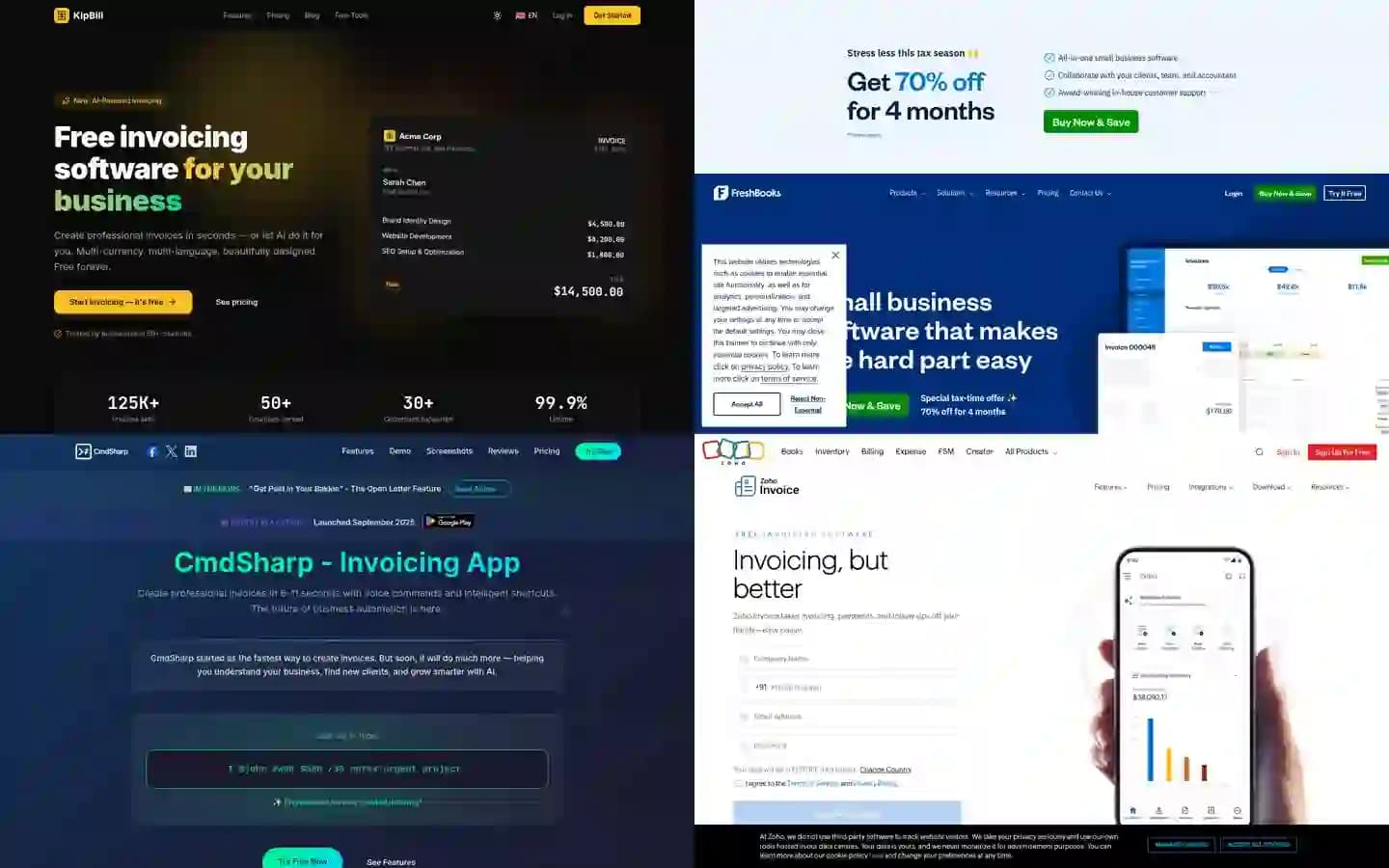
7 Best AI Invoicing Software in 2026 (Tested & Compared)
We tested 7 AI invoicing platforms head-to-head. Voice commands, conversational AI, receipt scanning — see which one actually delivers. Real features, real pricing, honest comparison.
7 Best FreshBooks Alternatives in 2026 (Free & Paid)
Looking for a FreshBooks alternative? Compare 7 invoicing tools with better pricing, more templates, and multi-language support. Free options included.
KipBill vs Wave: Why KipBill Is the Better Choice in 2026
KipBill vs Wave comparison. Wave calls itself free but charges 2.9% per payment. KipBill offers 25 templates, 12 languages, and truly affordable plans. See the full breakdown.
Start invoicing for free
Join thousands of freelancers and small businesses who create professional invoices with KipBill.