7 Best AI Invoicing Software in 2026 (Tested & Compared)
 KipBill Team
AI invoicing software is transforming how freelancers and small businesses handle billing in 2026. Instead of spending 15-20 minutes per invoice filling out forms, you can now tell an AI assistant what you need — by text or voice — and it creates, calculates, and sends professional invoices in seconds.
But here's the thing: most tools that claim to be "AI-powered" are barely scratching the surface. Some offer basic autocomplete and call it AI. Others have built deep, conversational assistants that genuinely handle your entire billing workflow.
We tested 7 AI invoicing platforms head-to-head — creating real invoices, testing voice commands, checking multi-language support, and comparing pricing. Here's what we found, with honest pros and cons for each.
Looking for a quick answer? If you want the most powerful AI invoicing assistant with voice commands in 12 languages, check out KipBill. If you need free invoicing with basic AI, Zoho Invoice is your best bet. Read on for the full comparison.
Quick comparison table
| Platform | AI Assistant | Voice Input | Languages | Free Plan | Starting Price |
|---|---|---|---|---|---|
| KipBill | 45 tools | Whisper | 12 | Yes | €4.50/mo |
| CmdSharp | Commands | Yes | 1 | Limited | Not public |
| Invoicer.ai | AI editor | No | 1 | Trial | $10/mo |
| Sophiie | Voice agent | Yes | 1 | No | Contact |
| Bookipi | AI receptionist | Phone calls | 1 | Limited | $199/mo |
| FreshBooks | Basic AI | No | 1 | Trial | $17/mo |
| Zoho Invoice | Zia AI | No | 14 | Yes | $0 (limited) |
1. KipBill — The most complete AI invoicing assistant
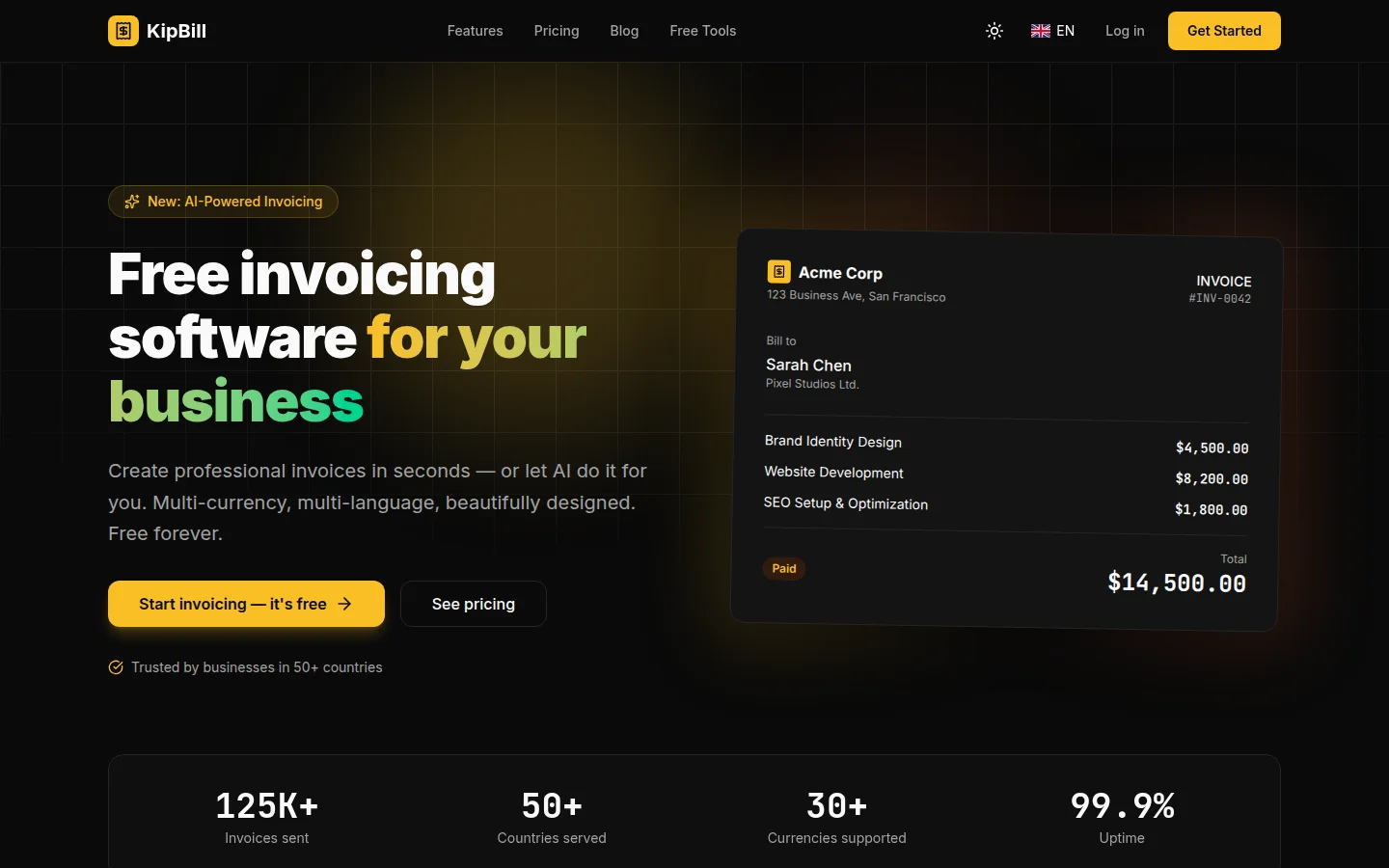
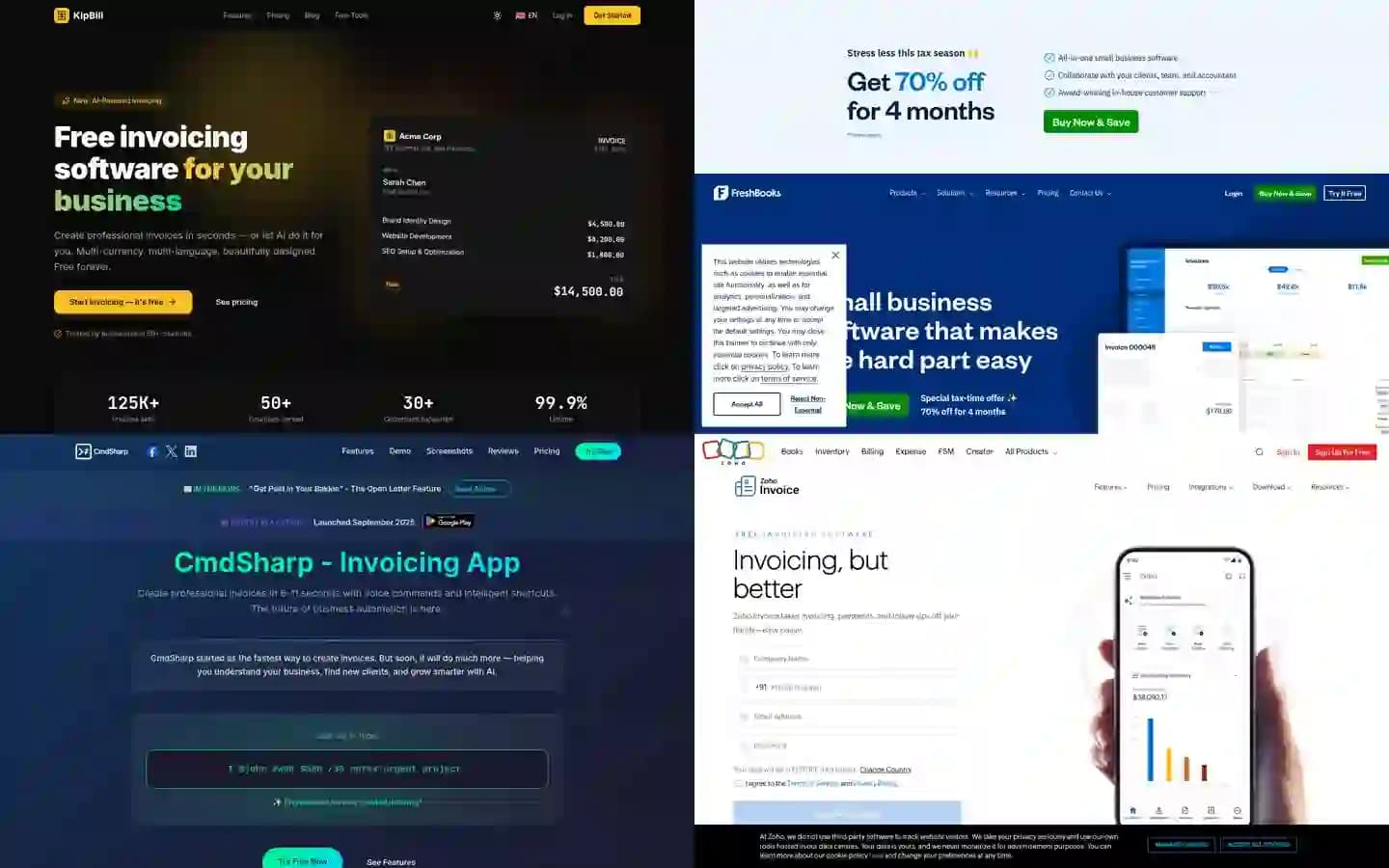
KipBill takes a different approach to AI invoicing. Instead of adding AI as a feature on top of a traditional invoicing tool, the entire platform is built around an AI assistant that connects to every part of the business — 45 specialized tools that handle invoicing, quoting, client management, expenses, inventory, and financial reporting.
What makes it different
The AI assistant is powered by Claude (by Anthropic) and understands natural conversation. You can say things like "create an invoice for John, 3 hours of consulting at $150, 21% VAT" and it creates the full invoice with a confirmation card. Everything requires explicit user approval — nothing happens without clicking Confirm.
Voice input uses OpenAI Whisper with context-aware transcription. The AI knows your client names, product catalog, and locale, so it transcribes accurately even with industry-specific terminology.
Receipt scanning uses Claude's vision capabilities to extract vendor, amount, tax, category, and date from photos of receipts.
Key features
- 45 AI tools: Create invoices, quotes, credit notes, clients, products, expenses, recurring schedules — all through conversation
- Voice commands: Tap the mic, speak, and the AI processes your request in 12 languages
- Receipt OCR: Snap a photo of a receipt, AI extracts all expense data
- Financial reports in chat: Ask "show me my revenue this year" and get actual charts
- Bulk operations: Attach a CSV/Excel file and say "import these as clients" — up to 100 at once
- 25 PDF templates: Industry-specific designs from photography to construction
- E-signatures: Clients can accept quotes with electronic signature
- Client portal: Clients view and pay invoices online
- 12 languages: Full localization including AI responses in the user's language
Pricing
- Free: 5 clients, unlimited invoices, 10 AI messages/month
- Starter: €4.50/month — 50 clients, 30 AI messages/month, email sending
- Pro: €8/month — unlimited clients, 100 AI messages/month, all features
Pros
- Most complete AI integration of any invoicing tool we tested
- Voice + chat + OCR in a single platform
- 12 languages with full AI support in each
- Aggressive pricing — significantly cheaper than competitors
- Free plan with no time limit
Cons
- Newer platform (launched March 2026)
- Not yet available on Google Play / App Store (PWA only)
- AI message limits on lower plans
Full disclosure: This article is published on the KipBill blog. We've tried to be as honest and accurate as possible in our comparisons. All pricing and feature information was verified at the time of writing.
2. CmdSharp — Voice-powered invoice generation
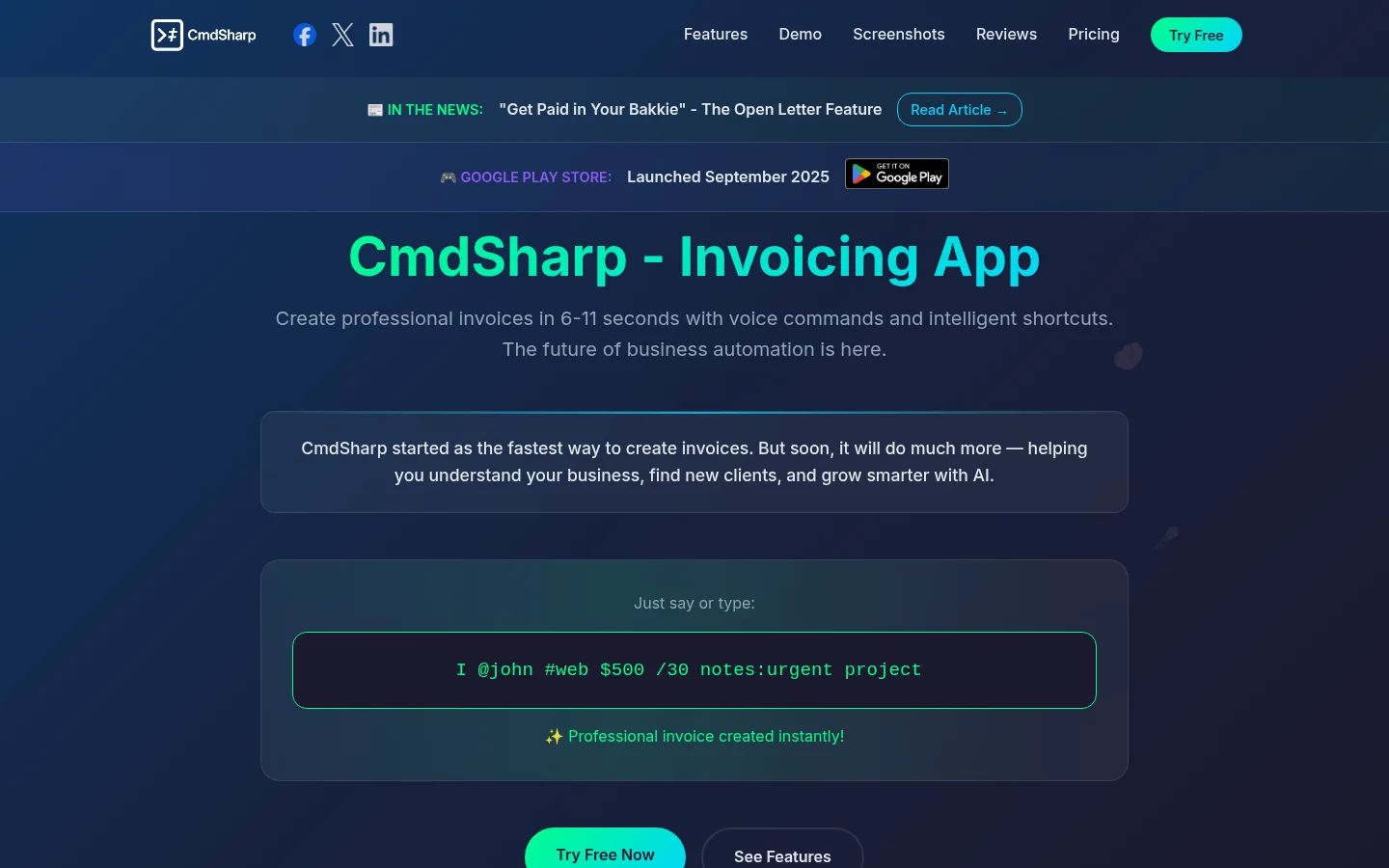
CmdSharp focuses on speed. Their pitch is creating invoices in 6-11 seconds using voice or text commands. The approach is command-based rather than conversational — you use patterns like "I @client #service $amount" to generate invoices.
Key features
- Voice commands: Speak naturally to create invoices
- Smart shortcuts: Custom shortcuts expand into full business context
- Automatic tax calculations: Built-in tax handling
- Debtors age analysis: Track who owes you and for how long
- Android app: Available on Google Play
Pricing
Not publicly listed on their website. You need to download the app to see pricing.
Pros
- Very fast invoice creation (6-11 seconds)
- Smart shortcut system for repeat clients
- Available as native Android app
Cons
- Command-based, not conversational — requires learning the syntax
- English only
- Limited information about pricing
- No web app (Android only)
- No receipt scanning or financial reporting via AI
3. Invoicer.ai — AI-powered editor with payment processing
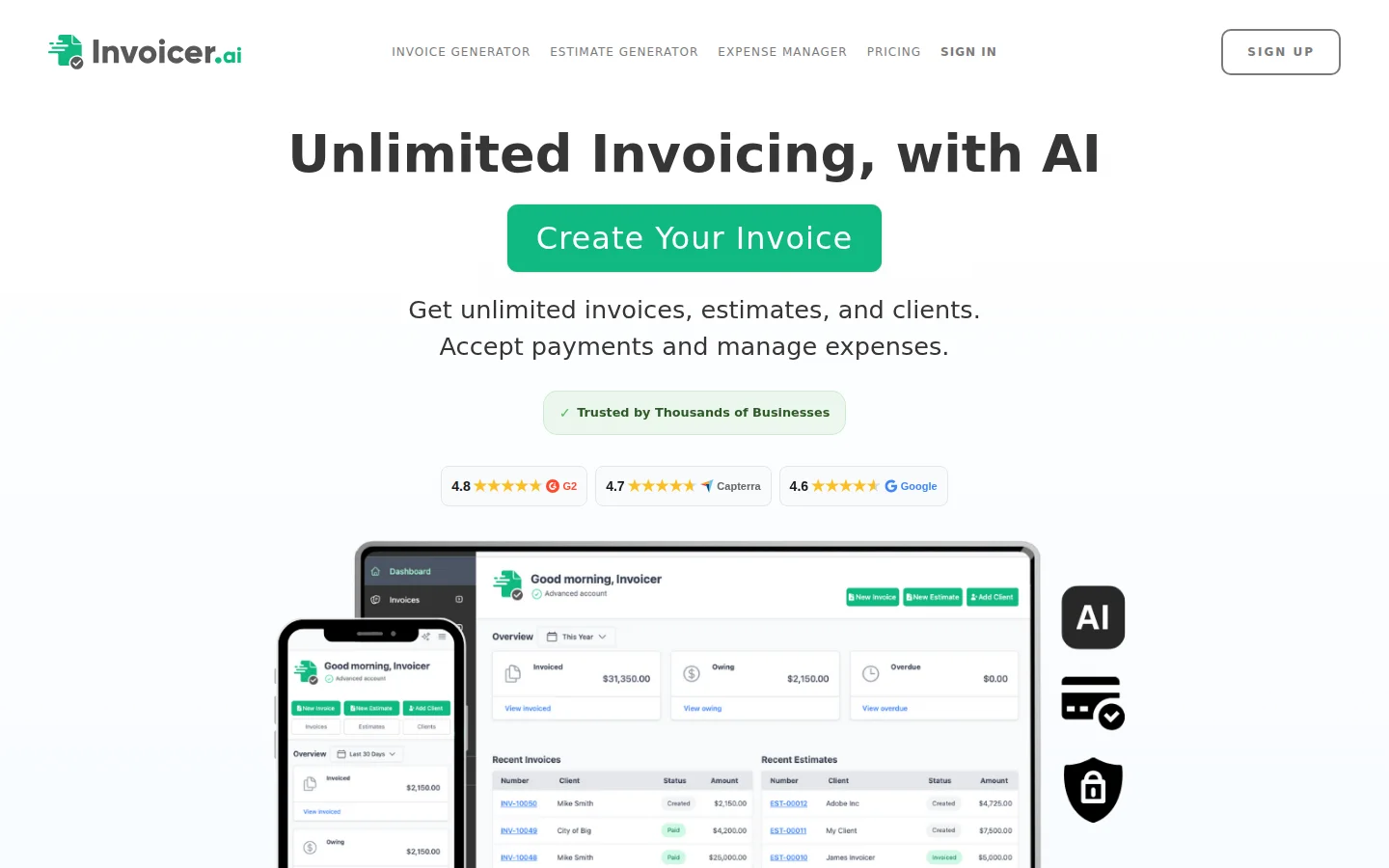
Invoicer.ai offers an AI-powered invoice editor that lets you create and send invoices quickly. The AI focuses on the creation process rather than full business management.
Key features
- AI invoice editor: Assisted invoice creation
- Expense manager: Snap a photo to capture expenses (similar to receipt OCR)
- Online payments: Clients pay with credit card, Apple Pay, Google Pay
- Estimates and proposals: Create quotes that convert to invoices
- Automatic late payment reminders: Scheduled follow-ups
Pricing
- Plans start at $10/month
- Pro and Advanced plans with more features
- Annual plans save 30%
- Free trial available
Pros
- Clean, modern interface
- Built-in payment processing
- Good expense management with photo capture
Cons
- No voice input
- English only
- No multi-currency support mentioned
- Higher starting price than some competitors
- AI is limited to the editor — doesn't handle full business queries
4. Sophiie — AI voice agent for Australian trades
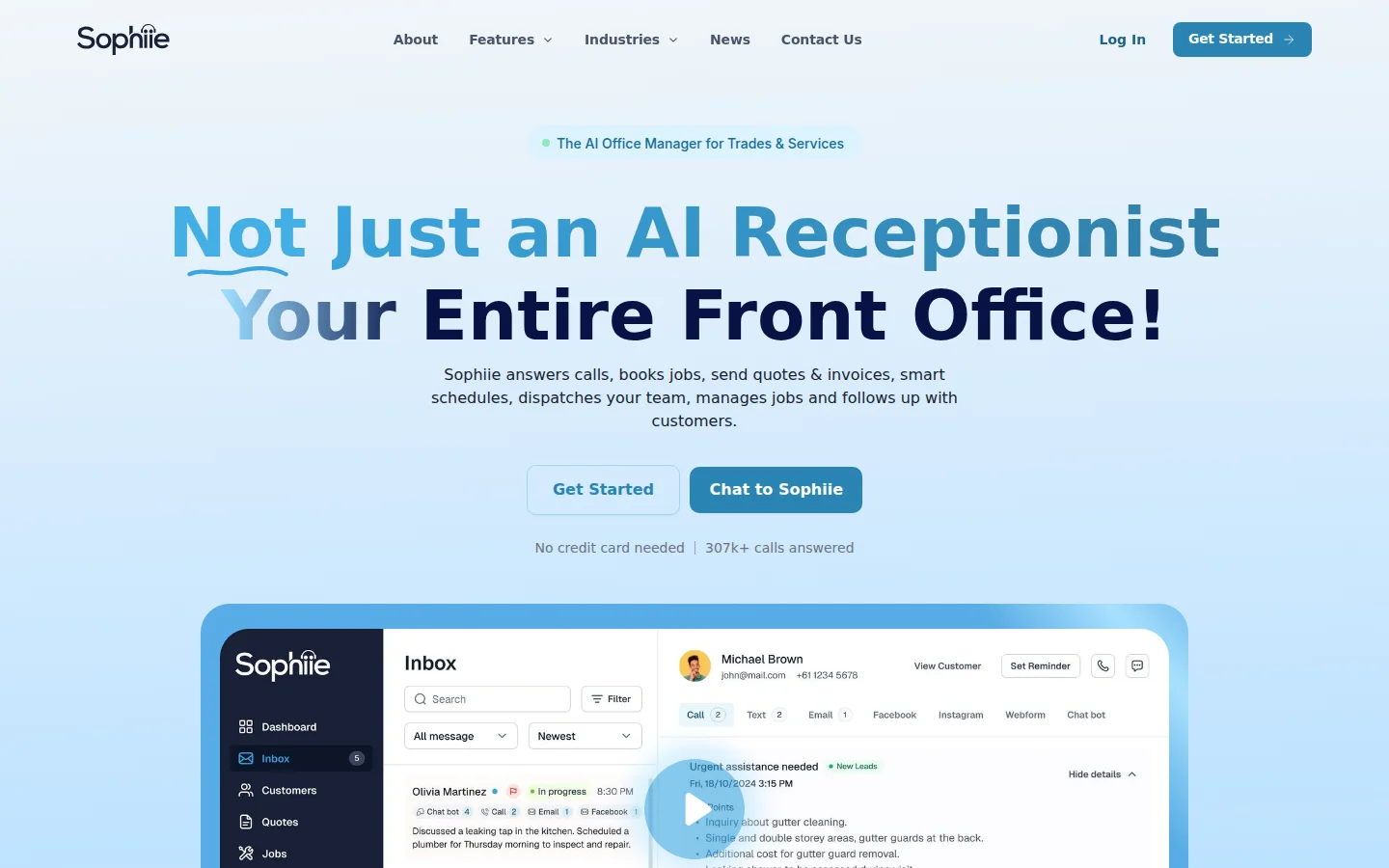
Sophiie is primarily an AI virtual receptionist that also handles invoicing. It's designed for Australian tradespeople and service businesses, with deep integration with Xero accounting software.
Key features
- Voice invoicing: Create invoices by speaking
- Xero integration: Invoices sync automatically with Xero
- AI follow-ups: Automatic emails for unpaid invoices
- Custom branding: Logo, colors, and footer messages on invoices
- AI receptionist: Answers phone calls, takes messages, schedules appointments
Pricing
Contact for pricing — not publicly listed. The AI receptionist component alone suggests premium pricing.
Pros
- Deep Xero integration (two-way sync)
- Intelligent payment follow-ups
- Good for trades and service businesses in Australia
Cons
- Primarily an AI receptionist with invoicing as a secondary feature
- Pricing not transparent
- Focused on Australian market
- Requires Xero for full functionality
- No multi-language support
5. Bookipi — All-in-one business management with AI
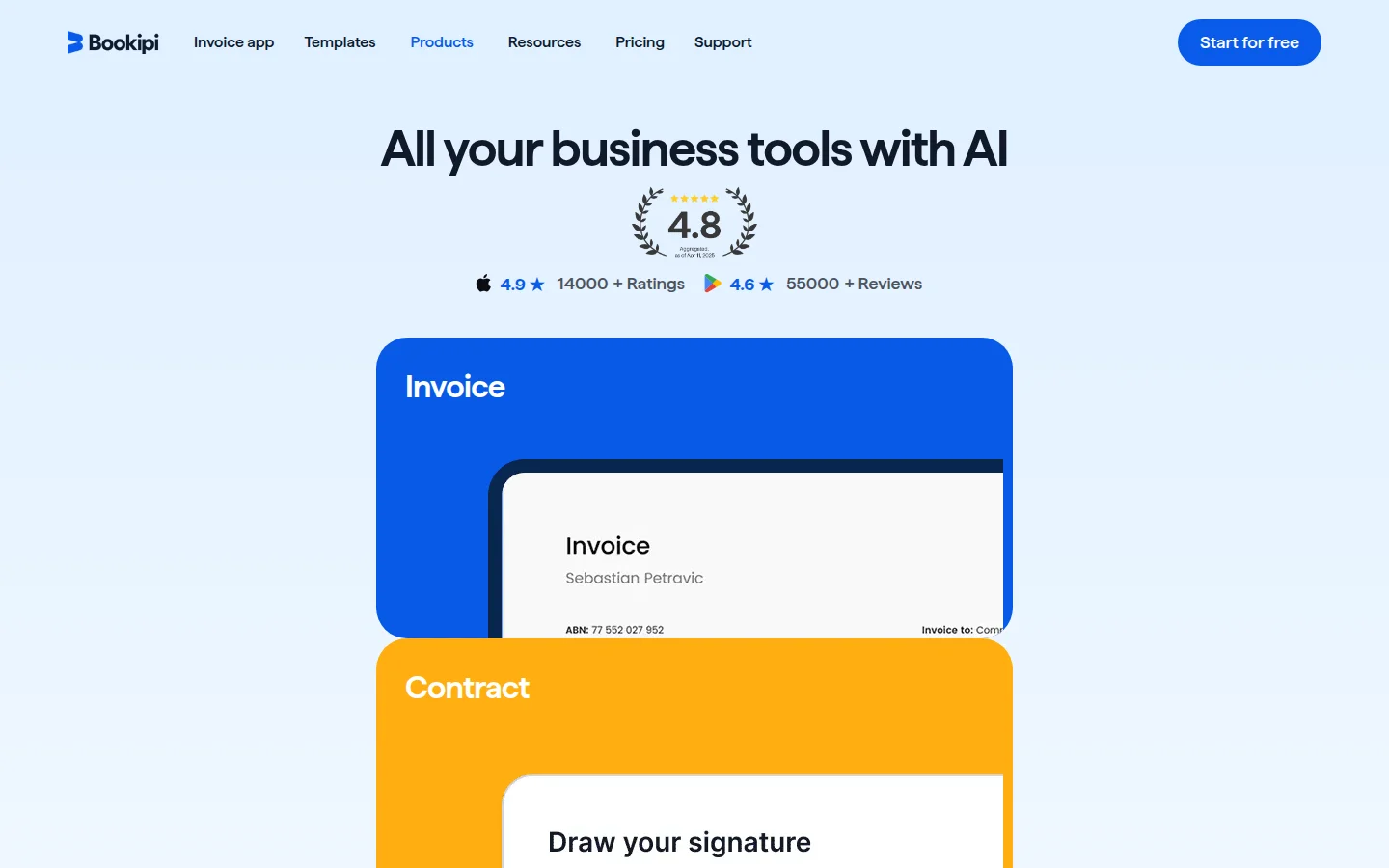
Bookipi is a comprehensive business management platform that includes invoicing, CRM, contracts, proposals, timesheets, and an AI receptionist. The AI focus is on phone call handling rather than invoice creation.
Key features
- AI receptionist: Answers calls 24/7, captures details, handles enquiries
- 6 voice options: Different voices and accents
- Invoicing suite: Create, send, and track invoices
- CRM: Client management with history
- Contracts and proposals: Create and send business documents
Pricing
- AI Receptionist: $199/month (US$6.63/day)
- Other plans available for invoicing-only features
Pros
- Comprehensive all-in-one platform
- AI receptionist handles real phone calls
- Good for businesses that get a lot of phone enquiries
Cons
- Very expensive ($199/month for AI features)
- AI is for phone calls, not for invoice creation
- No voice-to-invoice feature
- English only
- Overkill for freelancers who just need invoicing
6. FreshBooks — Established player with basic AI
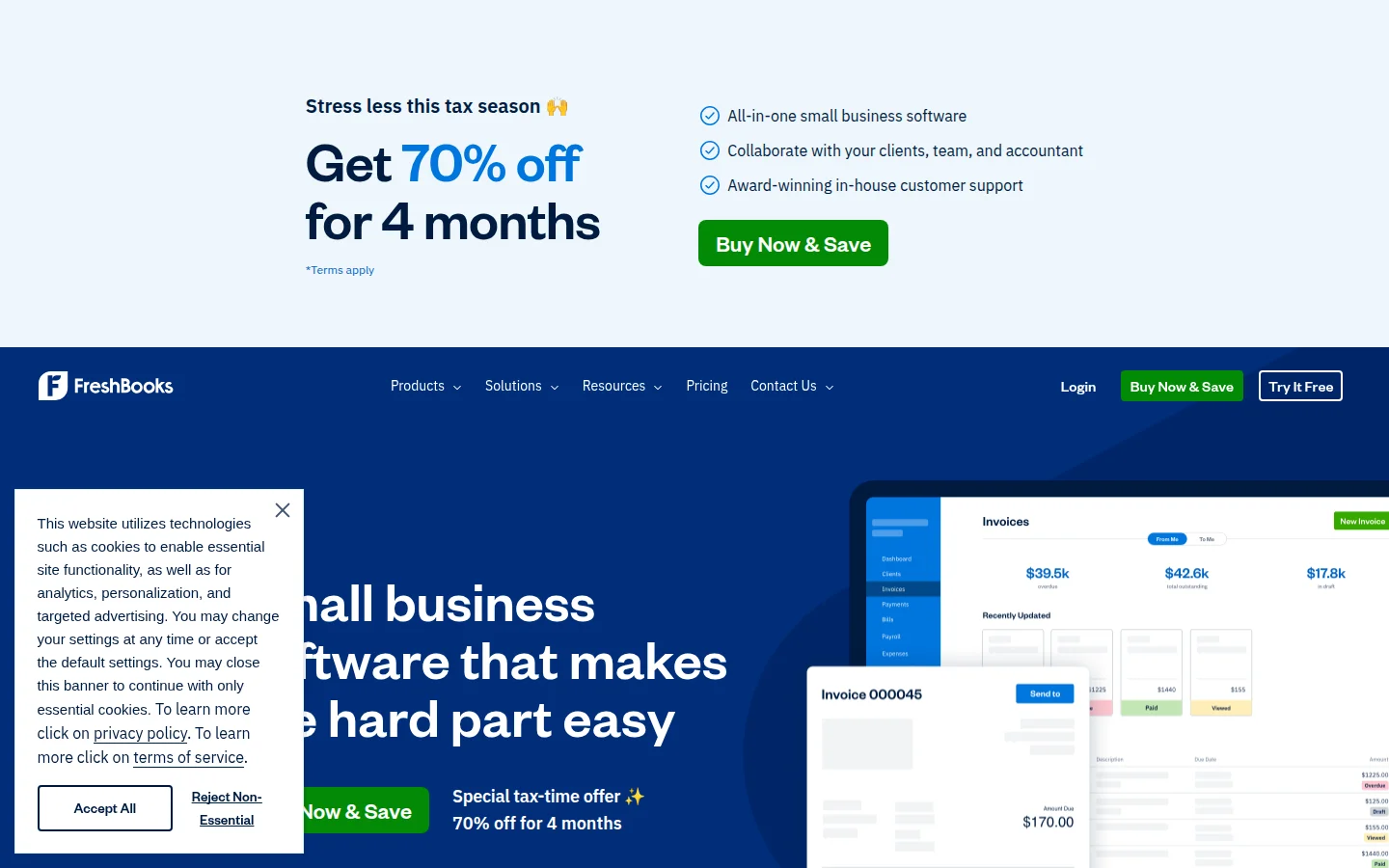
FreshBooks is one of the most well-known invoicing platforms. They've started adding AI features, but the AI integration is more basic compared to AI-first platforms.
Key features
- AI-powered categorization: Automatic expense categorization
- Smart capture: Receipt scanning with data extraction
- Automatic payment reminders: Scheduled follow-ups
- Time tracking: Built-in timer for billable hours
- Double-entry accounting: Full accounting features
Pricing
- Lite: $17/month (5 clients)
- Plus: $30/month (50 clients)
- Premium: $55/month (unlimited clients)
- 30-day free trial
Pros
- Established brand with millions of users
- Solid accounting features beyond invoicing
- Good mobile apps (iOS and Android)
- Extensive integrations
Cons
- AI is limited to categorization and capture — no conversational assistant
- No voice input for invoice creation
- Expensive compared to newer alternatives
- English-focused (limited localization)
- No free plan
7. Zoho Invoice — Free invoicing with Zia AI
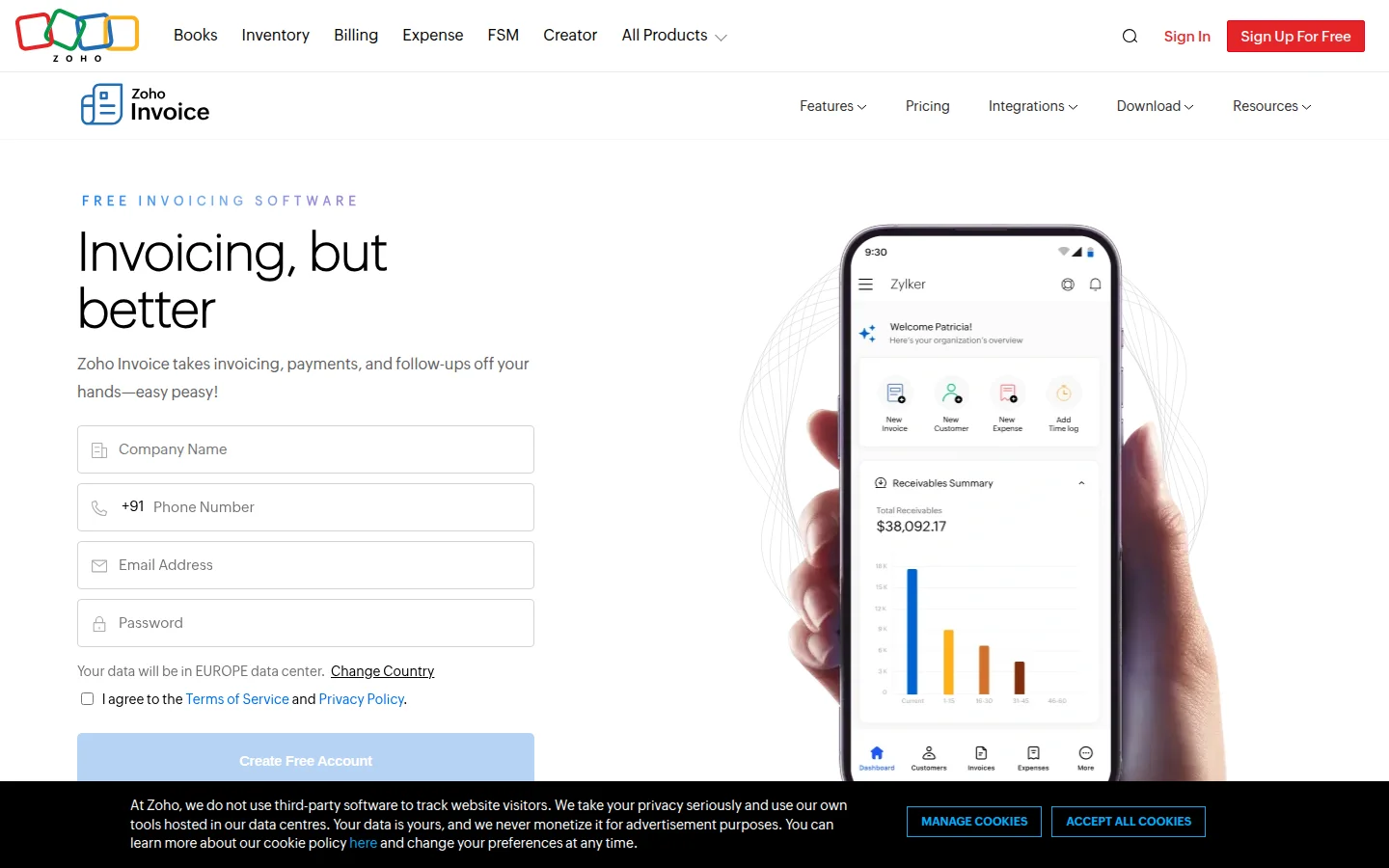
Zoho Invoice is a free invoicing tool that's part of the broader Zoho ecosystem. It includes Zia, Zoho's AI assistant, though Zia's invoicing capabilities are limited.
Key features
- Zia AI assistant: Basic AI for data entry and suggestions
- 14 languages: Good multilingual support
- Payment gateways: Multiple payment options
- Client portal: Customers view and pay invoices online
- Time tracking: Built-in project time tracking
Pricing
- Free: Unlimited invoices, up to 1000 invoices/year
- Part of Zoho ecosystem (Zoho Books starts at $15/month for more features)
Pros
- Completely free for basic invoicing
- Part of the massive Zoho ecosystem
- Good multilingual support (14 languages)
- Client portal included
Cons
- Zia AI is very basic — no conversational invoice creation
- No voice input
- Interface can feel dated
- Some features require Zoho Books (paid)
- No receipt OCR through AI
Feature comparison: AI capabilities
This is where the real differences show. Most "AI invoicing" tools use AI for minor tasks like categorization or autocomplete. Very few have a full conversational assistant that can handle complex multi-step workflows.
| Capability | KipBill | CmdSharp | Invoicer.ai | Sophiie | Bookipi | FreshBooks | Zoho |
|---|---|---|---|---|---|---|---|
| Create invoice by conversation | Yes | Commands | Assisted | Voice | No | No | No |
| Voice-to-invoice | Yes (Whisper) | Yes | No | Yes | Phone only | No | No |
| Send invoice via AI | Yes | No | No | No | No | No | No |
| Track payments via AI | Yes | No | No | Yes (Xero) | No | No | No |
| Financial reports via AI | Yes (charts) | Basic | No | No | No | No | No |
| Receipt OCR | Yes (Claude Vision) | No | Yes | No | No | Yes | No |
| Client management via AI | Yes | No | No | No | No | No | No |
| Inventory via AI | Yes | No | No | No | No | No | No |
| Bulk import via AI | Yes (CSV/Excel) | No | No | No | No | No | No |
| Multi-language AI | 12 languages | No | No | No | No | No | No |
| Quote creation via AI | Yes | No | No | No | No | No | No |
| Credit notes via AI | Yes | No | No | No | No | No | No |
Price comparison for freelancers
For a solo freelancer who needs to send invoices, track payments, and manage clients:
| Platform | Monthly cost | What you get |
|---|---|---|
| KipBill Free | Free | 5 clients, unlimited invoices, AI assistant, PDF generation |
| KipBill Starter | €4.50 | 50 clients, email sending, 25 templates, reminders |
| Zoho Invoice | Free | Unlimited invoicing, basic AI, 14 languages |
| Invoicer.ai | $10 | AI editor, payment processing, expense tracking |
| FreshBooks Lite | $17 | 5 clients, accounting, time tracking |
| CmdSharp | Unknown | Voice commands, Android app |
| Sophiie | Contact | Voice invoicing, Xero integration |
| Bookipi | $199 | All-in-one with AI receptionist |
Who should use what?
- Freelancers wanting speed + AI + affordability: KipBill — create invoices in seconds by voice or chat, starting free
- Android-only users who prefer command syntax: CmdSharp
- Businesses needing built-in payment processing: Invoicer.ai
- Australian trades using Xero: Sophiie
- Businesses with heavy phone traffic: Bookipi
- Users wanting established brand + full accounting: FreshBooks
- Budget-conscious with basic needs: Zoho Invoice
The bottom line
The AI invoicing landscape in 2026 is still young. Most established players (FreshBooks, Zoho) have added surface-level AI features, while newer platforms have built AI-first experiences.
If you're looking for the most comprehensive AI invoicing assistant — one that can handle your entire billing workflow through conversation, including voice commands in 12 languages — KipBill currently offers the deepest integration at the most competitive price.
If you need rock-solid accounting with basic AI, FreshBooks is the safe choice. If you want free and don't need advanced AI, Zoho Invoice is hard to beat.
The real question is whether conversational AI invoicing is a gimmick or a genuine time-saver. After testing all seven platforms, we believe it's the future — but only when the AI is deeply connected to your business data, not just layered on top.
Want to try AI invoicing for yourself? Use our free invoice generator — no signup needed. Or read our detailed guide on how KipBill's AI assistant works to see all 45 tools in action with real screenshots.
Already using another tool? See how KipBill compares: KipBill vs Wave | KipBill vs Invoice Ninja | Best Free Invoicing Software 2026
Start invoicing for free
Create professional invoices in minutes with KipBill, like freelancers and small businesses in 40+ countries.
FAQ
Which AI invoicing software is best for freelancers?
For freelancers, KipBill and Zoho Invoice offer the best value. KipBill has the most powerful AI assistant with voice support at €4.50/month. Zoho Invoice is completely free but with more basic AI.
Can AI really create invoices by voice?
Yes. KipBill (using OpenAI Whisper), CmdSharp, and Sophiie all support voice-to-invoice creation. KipBill supports 12 languages for voice input, while the others are English-only.
Is AI invoicing software secure?
Reputable platforms use encryption for data in transit and at rest. KipBill uses row-level security, hashed API keys, and requires explicit user confirmation before any AI action is executed. Always check the security practices of any platform you use.
How much does AI invoicing software cost?
Prices range from free (Zoho Invoice, KipBill free plan) to $199/month (Bookipi). Most mid-range options cost $5-$17/month. AI features are typically included in paid plans rather than charged separately.
Can AI invoicing software replace my accountant?
No. AI invoicing tools handle invoice creation, sending, and basic reporting. For tax filing, compliance, and financial strategy, you still need a professional accountant. These tools save time on repetitive billing tasks so you can focus on your business.

KipBill Team
Related Articles
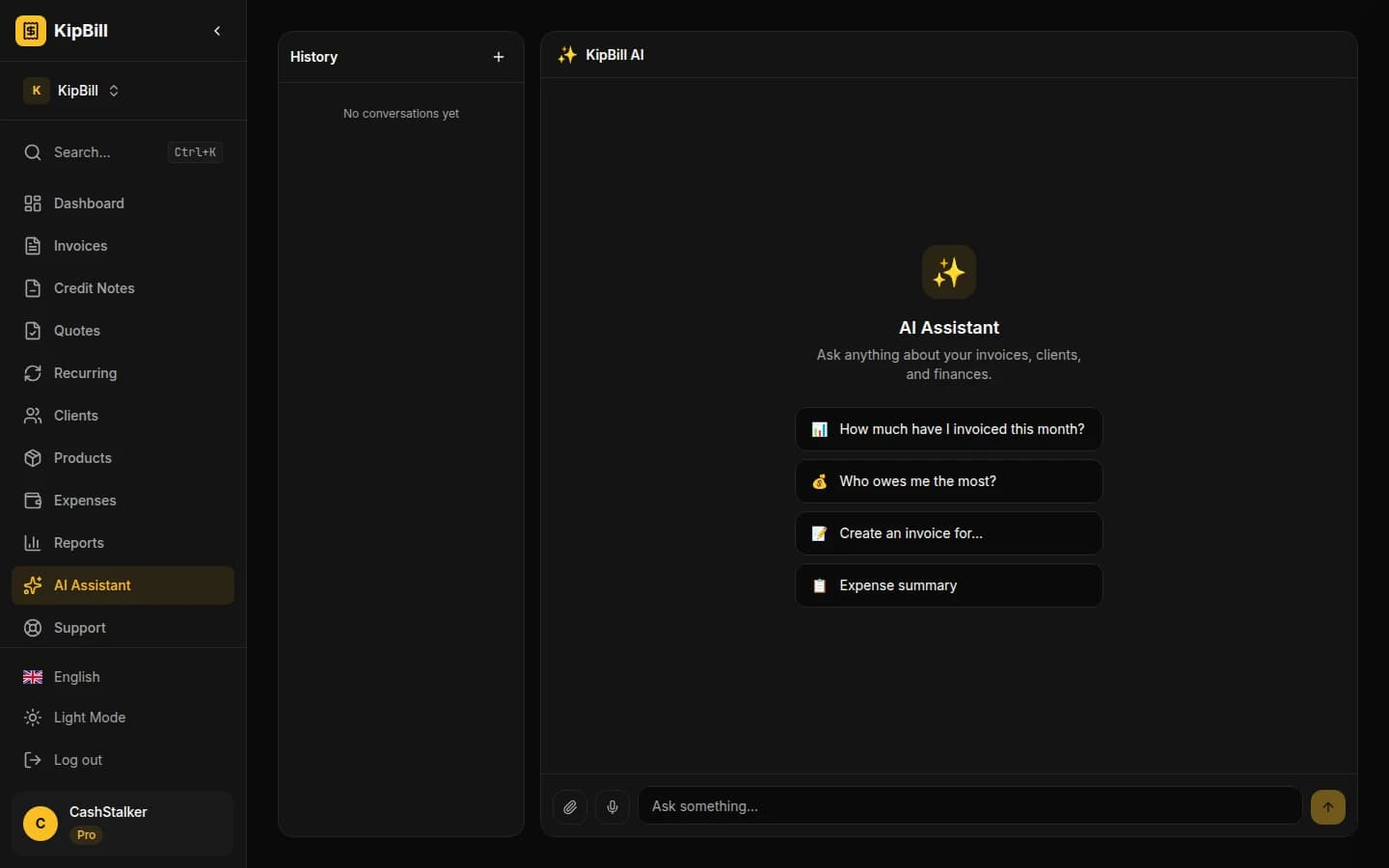
AI Invoice Generator: Create and Send Invoices with Voice and Chat
KipBill's AI invoice generator lets you create, send, and manage invoices by voice or chat. Powered by Claude and OpenAI Whisper. 45 AI tools, 12 languages, free plan available.
7 Best FreshBooks Alternatives in 2026 (Free & Paid)
Looking for a FreshBooks alternative? Compare 7 invoicing tools with better pricing, more templates, and multi-language support. Free options included.
KipBill vs Wave: Why KipBill Is the Better Choice in 2026
KipBill vs Wave comparison. Wave calls itself free but charges 2.9% per payment. KipBill offers 25 templates, 12 languages, and truly affordable plans. See the full breakdown.
Start invoicing for free
Create professional invoices in minutes with KipBill, like freelancers and small businesses in 40+ countries.