How to Invoice International Clients: A Freelancer's Guide

 KipBill Team
Landing a client in another country is one of the best things that can happen to a freelance business. It usually means higher rates, exposure to bigger markets, and work that doesn't dry up when your local economy has a slow month. It also means a fresh set of questions that a domestic invoice never forced you to answer: Which currency do I bill in? Who eats the bank fees? Do I add tax? And why did $2,000 turn into $1,910 by the time it reached my account?
None of this is complicated once you understand the moving parts, but getting it wrong is expensive. A single badly-worded invoice can trigger a payment delay of weeks while your client's finance team asks for a tax ID you didn't include, or quietly cost you 3-5% on every transaction through a poor exchange rate you never noticed. Cross-border invoicing is where small process mistakes compound into real money.
This guide walks through everything that changes when your client is abroad: currency choice, exchange rates and fees, payment methods, the specific fields an international invoice needs, a plain-language take on VAT and the reverse charge, and how to declare that income back home. The goal is simple — get paid the full amount, on time, without disputes.
Which currency should you invoice in?
There is no universal right answer, but there is a right way to decide. You have three realistic options: your currency, your client's currency, or a widely-accepted neutral currency like the US dollar or euro.
Invoice in your own currency when you want zero exchange-rate exposure. You state an exact number, and that exact number is what you need to receive. The trade-off is that you push the conversion problem onto your client, and their bank may give them a worse rate than they'd like — which can make you look more expensive than you are.
Invoice in the client's currency when you're competing for their business and want to remove friction. It's client-friendly and often expected for larger companies with their own procurement processes. The downside: you absorb the exchange-rate risk between the day you invoice and the day you're paid, which on a 30-day term can swing a few percent either way.
Invoice in a neutral currency (USD or EUR) is common in tech, design, and consulting, especially when neither party uses the other's currency day-to-day. It's predictable and widely understood.
Whatever you choose, the golden rule is: state the currency unambiguously. "$1,500" is not enough — the dollar sign is used by the US, Canada, Australia, New Zealand, Singapore, and a dozen others. Write USD 1,500, CAD 1,500, or AUD 1,500 with the three-letter ISO code. This one habit prevents more cross-border disputes than any other.
Pick your billing currency once, at the quote stage, and keep it consistent through the invoice and any follow-ups. KipBill lets you set a currency per client and generates multi-currency invoices with the ISO code shown clearly, so "$" is never ambiguous. If you want to see how a finished invoice looks in a specific currency, try the USD invoice generator, EUR invoice generator, or GBP invoice generator.
Exchange rates and fees: where the money quietly disappears
The number on your invoice is rarely the number that lands in your account. Two things chip away at it: the exchange rate spread and transfer fees.
The spread is the gap between the "real" mid-market rate (the one you see on Google) and the rate your bank or payment provider actually gives you. Traditional banks often bake in a 2-4% markup here, and because it's hidden inside the rate rather than shown as a line-item fee, most freelancers never notice it. A $2,000 payment can lose $40-$80 to the spread alone before any explicit fee is charged.
Transfer fees are the visible charges: a flat SWIFT fee for international wires (often $15-$50, sometimes charged by intermediary banks you've never heard of), a percentage cut from PayPal, or Stripe's processing fee on card payments.
A few practical defenses:
- Use a provider with mid-market rates. Services like Wise convert at or near the real rate and charge a transparent fee, which usually beats a bank wire for amounts under a few thousand.
- Decide who pays the fees, in writing. For wire transfers, ask the client to send funds "OUR" (they cover all charges) rather than "SHA" or "BEN," where intermediary banks deduct from your amount mid-flight.
- Hold foreign currency when you can. If you invoice in USD regularly, a multi-currency account lets you receive dollars and convert them when the rate is favorable, instead of being force-converted on arrival.
- Build fees into your rate. If you know a client will only pay via a method that costs you 3%, price that in rather than absorbing it.
Never let a client "helpfully" convert your invoice to their currency at their own rate. If you invoiced USD 1,500 and they send you the local-currency equivalent at a rate they chose, you have no control over the spread. State the currency you expect to be paid in, and treat that as the amount owed in full.
Payment methods compared
The method matters as much as the currency. Here's how the common options stack up for a freelancer receiving cross-border payments.
| Method | Typical cost | Speed | Best for | Watch out for |
|---|---|---|---|---|
| Bank wire / SWIFT | $15-$50 flat + FX spread | 1-5 business days | Large invoices, corporate clients | Intermediary bank deductions; poor bank FX rate |
| Wise | ~0.4-1% + mid-market rate | Minutes to 1-2 days | Freelancers, small-to-mid invoices | Client needs to use it or send a local transfer |
| PayPal | ~3-4% + FX markup on cross-border | Instant | Small invoices, first-time clients | High fees; FX spread often 3-4%; disputes/holds |
| Stripe (cards/links) | ~2.9% + fixed fee, +1% cross-border | Instant | Clients who prefer paying by card | Card fees eat into margin on large invoices |
| Card (Visa/Mastercard) | Passed through via Stripe/processor | Instant | Convenience for the client | Chargebacks; highest effective cost |
There's no single winner. A rough rule: wires and Wise win on large invoices because the flat or low-percentage fee is small relative to the total, while cards and PayPal win on convenience for small or one-off jobs where speed matters more than shaving a few percent. Many freelancers offer two options — a wire/Wise route for cost-conscious clients and a card link for those who value instant payment — and let the client choose.
If you take card or Stripe payments, KipBill Pro can attach an online payment link to your invoice so international clients pay in a couple of clicks. For clients who prefer bank transfer, put your full IBAN/SWIFT or Wise details directly on the invoice — the fewer emails needed to figure out "how do I pay you," the faster you get paid.
What an international invoice must include
A domestic invoice can get away with being sparse. A cross-border one can't — a missing field is a reason for the client's accounts-payable team to park it in a "queries" folder for two weeks. Include all of the following:
- Your full legal details: registered name (or trading name), full address including country, and contact email.
- Your tax identification number: whatever applies in your country — a VAT number in the EU/UK, an ABN in Australia, a business number in Canada, or your tax ID in the US. If you don't have one, that's fine, but many corporate clients expect a field for it.
- The client's full details: their legal name, full address with country, and their tax/VAT number if they have one. For EU B2B sales, the client's valid VAT number is what makes the reverse charge possible (more on that below).
- A unique invoice number and the issue date.
- The currency, stated with its ISO code, applied consistently to every line and the total.
- Clear payment terms: the due date (e.g. "Net 30"), accepted payment methods, and complete payment details (IBAN/SWIFT, Wise, or a payment link).
- A line-item breakdown with quantities, rates, and any tax.
- Tax treatment stated explicitly — even if that means writing "VAT reverse charge applies" or "No VAT charged (services supplied outside [your country])." Silence invites questions.
If you want a structural walkthrough that applies to any invoice, our guide on how to create a professional invoice covers the fundamentals, and the free invoice generator produces a compliant layout you can fill in for any country.
VAT and the reverse charge, in plain language
This is the part that trips people up, so let's keep it grounded. The rules that follow are general principles — tax law varies by country and by your specific registration status, so treat this as orientation, not personalised advice, and verify your own situation with your tax authority or an accountant.
VAT (Value Added Tax) is a consumption tax used across the EU, the UK, and many other countries (it's called GST in some, like Australia and Canada). The US has no VAT — it uses state-level sales tax, which generally doesn't apply to services sold to businesses.
For cross-border B2B sales of services, a common and important concept in the EU is the reverse charge. Here's the plain version: when you sell a service to a VAT-registered business in another EU country, you typically do not add VAT to your invoice. Instead, the responsibility to account for the VAT shifts to your client, who declares it in their own country under the reverse-charge mechanism. You note on the invoice that the reverse charge applies and record the client's VAT number as proof they're a business.
Why does this exist? So that VAT is ultimately accounted for in the country where the service is consumed, without you having to register for VAT in every country you sell to.
A few principles that follow from this:
- B2B, both VAT-registered, cross-border in the EU: usually no VAT on your invoice; reverse charge applies; state it and include the client's VAT number.
- Selling to a business outside the EU/your VAT zone (say, an EU freelancer billing a US company): the service is typically outside the scope of your VAT, so you generally don't charge it — but you still note why.
- Selling to a consumer (B2C) rather than a business: the rules are different and often require you to charge VAT, sometimes at the customer's local rate. This is a bigger topic and where you most need to check your specifics.
- You're not VAT-registered at all (below the threshold, or in a country without VAT like the US): you don't add VAT, and you say so.
Always validate an EU client's VAT number before applying the reverse charge — the EU's VIES database lets you check it for free. If the number is invalid, the reverse charge may not apply and you could be liable for the VAT yourself. When in doubt, confirm with your accountant before you send the invoice, not after.
The broader compliance landscape is also shifting toward mandatory structured e-invoicing in several countries. If you bill EU clients regularly, it's worth understanding what's coming — our overview of EU e-invoicing requirements for 2026 breaks down the timeline and formats.
Declaring foreign income at home
Money earned from an international client is still income in your home country, and it's taxable there in almost every case. Two points matter most:
First, you generally declare foreign income in your local currency. That means converting each payment using an accepted exchange rate — often the rate on the date you were paid, or an official average rate your tax authority publishes. Keep a record of the original amount, the currency, the conversion rate you used, and the resulting local-currency figure. A tidy invoice archive makes this painless at year-end; a shoebox of PayPal emails does not.
Second, you usually don't get taxed twice. Most countries have double-taxation treaties, and mechanisms like foreign tax credits exist so that if any tax was withheld abroad, you can offset it at home. Some clients (particularly in the US) may ask you to complete a form such as a W-8BEN to confirm you're a foreign contractor and reduce or eliminate withholding. Filling it out correctly can be the difference between receiving your full fee and having a chunk held back.
If you're a freelancer specifically working with US clients, the mechanics of tax forms, W-8BEN, and getting paid are covered in more depth in our guide to invoicing as a freelancer for US clients.
Avoid disputes with clear terms and bilingual clarity
Most cross-border payment disputes aren't about bad faith — they're about ambiguity across a language and process barrier. You reduce them dramatically with a few habits:
- Agree everything before you start. Currency, amount, payment method, who covers fees, and the due date should all be settled at the quote stage. A signed quote that converts cleanly into an invoice removes any "that's not what we agreed" conversation later. KipBill's quote generator and one-click quote-to-invoice conversion mean the numbers your client approved are exactly the numbers they're billed.
- Consider deposits for larger projects. Asking for 30-50% upfront protects you when you can't easily pursue a non-paying client across borders. Partial payments and deposit tracking keep the running balance clear on a single invoice.
- Write due dates as calendar dates, not just "Net 30." Different regions count terms differently; "Due 31 July 2026" leaves no room for interpretation.
- Add a short note in the client's language where it helps — even just the payment instructions. It signals professionalism and removes friction for their finance team.
- Send reminders before things go overdue, not after. A polite nudge a few days before the due date prevents most late payments. If you'd like ready-made wording, our late payment email templates approach works across borders, and KipBill's automatic payment reminders send these on schedule without you having to remember.
For recurring international clients — a retainer, a monthly subscription of your services — set up a recurring invoice once and let it generate and send automatically each cycle in the right currency. It's the single biggest time-saver for cross-border freelancers who bill the same clients repeatedly.
How KipBill helps with cross-border invoicing
Everything above is easier when your tool understands that your clients aren't all in one country. KipBill is built for exactly this:
- Multi-currency invoices with the ISO code shown clearly, set per client so you never have to remember who's billed in what.
- Localized templates in 12 languages, so the invoice reads naturally for your client's finance team.
- Automatic payment reminders that chase overdue amounts on your schedule, across time zones, without awkward manual follow-ups.
- Recurring invoices for retainers and subscriptions, generated and sent on autopilot.
- Quote-to-invoice conversion and partial payments/deposits, so what's agreed is what's billed and every balance stays clear.
And if you want a fast, no-signup starting point, the free country-specific generators produce a correctly-structured invoice for your client's market in seconds — try the US invoice generator, UK invoice generator, Canada invoice generator, Australia invoice generator, Germany invoice generator, or Spain invoice generator.
Key Takeaways
- State the currency with its ISO code (USD, EUR, GBP) — never a bare "$". This prevents the most common cross-border dispute.
- Watch the spread, not just the fee. Hidden exchange-rate markups cost more than visible charges; use mid-market providers like Wise and decide in writing who pays wire fees.
- Match the payment method to the invoice size: wires and Wise for large amounts, cards and PayPal for small or convenience-driven jobs.
- Include every field: both parties' full details and tax IDs, the currency, explicit tax treatment, clear payment terms, and complete payment instructions.
- Understand the reverse charge: for EU B2B cross-border services you often don't add VAT — but validate the client's VAT number and verify your own situation.
- Declare foreign income at home in your local currency, keep conversion records, and use treaties and forms like the W-8BEN to avoid double taxation.
- Prevent disputes upfront: agree terms at the quote stage, take deposits on big projects, use calendar due dates, and automate reminders.
Cross-border work rewards freelancers who treat invoicing as part of the craft rather than an afterthought. Get the currency, the fields, and the tax treatment right, and international clients become the most valuable, most reliable part of your business.
Start invoicing for free
Create professional invoices in minutes with KipBill, like freelancers and small businesses in 40+ countries.

KipBill Team
Related Articles

Invoicing for Tutors and Teachers: The Complete Guide
How tutors and teachers should invoice students: per-session vs. package billing, recurring invoices, sibling discounts, no-show policies, and parent receipts.
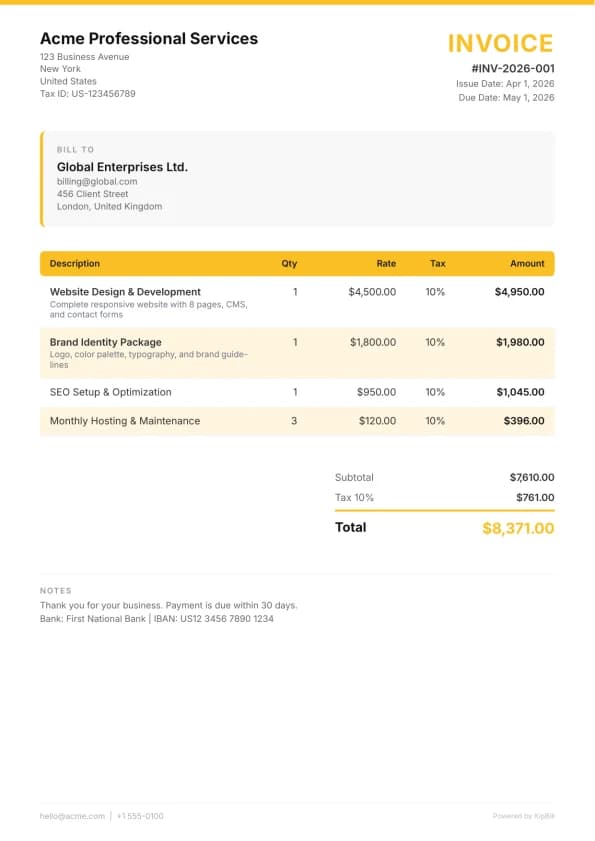
How to Invoice as a Freelancer: Step-by-Step Guide
How to invoice as a freelancer in 7 steps, with an example invoice, then payment terms, late fees, retainers and billing clients abroad.
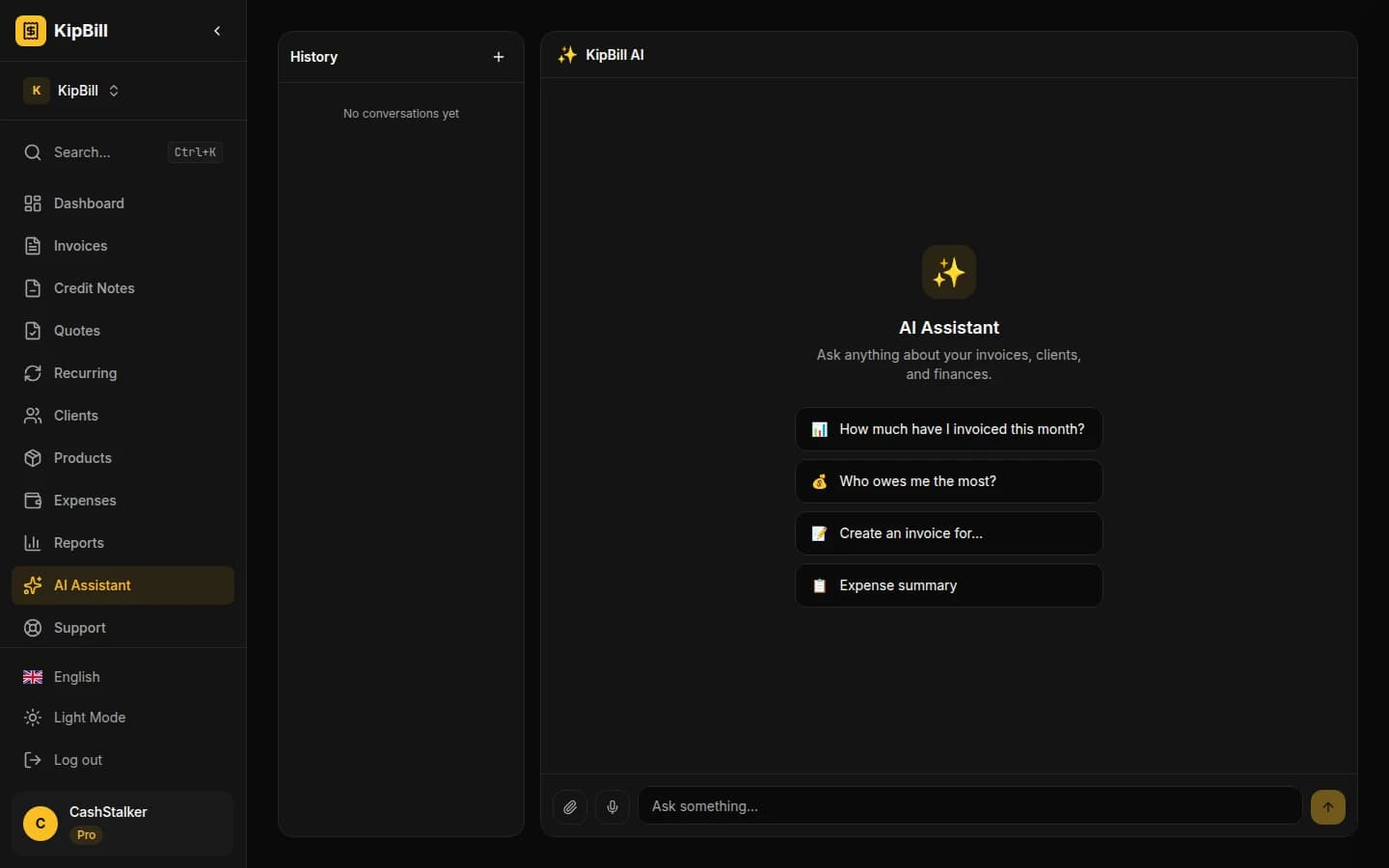
AI Invoice Generator: Create and Send Invoices with Voice and Chat
KipBill's AI invoice generator lets you create, send, and manage invoices by voice or chat. Powered by Claude and OpenAI Whisper. 45 AI tools, 12 languages, free plan available.
Start invoicing for free
Create professional invoices in minutes with KipBill, like freelancers and small businesses in 40+ countries.