KipBill vs SumUp Invoices: The Complete Comparison for Freelancers & Small Business (2026)
 KipBill Team
If you are searching for a Debitoor alternative, you have probably already discovered that Debitoor no longer exists. The popular invoicing tool was acquired by SumUp in 2022, and all Debitoor users were migrated to SumUp Invoices. The product has changed significantly since then.
SumUp started as a card reader company, and that DNA shows in their invoicing product. It is designed primarily to fit into their payments ecosystem — card readers, online payments, point of sale. If you already use a SumUp card reader in your shop, their invoicing module makes sense as an add-on.
But if you are a freelancer, consultant, or small business that needs standalone professional invoicing — creating invoices with withholding tax, managing teams, generating financial reports, collecting payments online, tracking expenses, and managing clients internationally — SumUp Invoices has serious limitations. And hidden costs.
KipBill is not a simple invoicing tool. It is a complete invoicing and financial management platform with multi-user support, accounting reports, online payments without percentage-based fees, withholding tax, recurring invoices, client portal, REST API, and an AI assistant with 45+ tools. Let us compare them honestly.
Pricing: The Hidden 2.9% Fee
SumUp Invoices is technically free to create invoices. Sounds great until you read the fine print.
Every time a client pays your SumUp invoice online, SumUp takes 2.9% + 15 cents. On a €1,000 invoice, that is €29.15. On €10,000 of monthly invoicing, you are losing nearly €300 per month in fees.
For premium features (recurring invoices, reminders, multi-user), SumUp Facturas Plus costs ~€10/month on top of those fees.
KipBill's pricing — with zero platform transaction fees:
| Plan | Price | What You Get |
|---|---|---|
| Free | €0/month | Unlimited invoices, unlimited quotes, credit notes, 5 clients, 3 templates, withholding tax, AI assistant (10 messages), receipt scanning |
| Starter | €3/month | 50 clients, 8 templates, unlimited emails, auto-reminders, recurring invoices, bulk email, 30 AI messages |
| Pro | €5/month | Unlimited everything, 25 templates, REST API, e-signatures, multi-user, Stripe payments, client portal, custom domain, 100 AI messages |
| Business | €12/month | Everything in Pro + advanced AI, teams up to 100 users, 200+ AI messages |
KipBill never takes a percentage of your payments. A freelancer invoicing €5,000/month through SumUp would lose €145/month in fees — far more than KipBill Pro's €5/month.
The Real Cost of SumUp: Detailed Calculation
For a freelancer invoicing €5,000/month with online payments:
With SumUp (online collection):
- Monthly fees: €5,000 x 2.9% + €0.15 x ~5 invoices = €145.75/month
- Annual cost: €1,749/year in fees alone
- With Plus (€10/month): €1,869/year
With KipBill Pro:
- Monthly subscription: €5/month = €60/year
- KipBill fees: €0
- Stripe charges its own standard rates (~1.5% + €0.25 in Europe), but that is the payment processor, not KipBill
Difference: over €1,700/year saved with KipBill.
Full Feature Comparison: KipBill vs SumUp
| Feature | KipBill | SumUp Invoices |
|---|---|---|
| Unlimited invoices | Free | Free (but 2.9% on payments) |
| Unlimited quotes | Free | Basic |
| Credit notes | Yes | Limited |
| Recurring invoices | Starter (€3/mo) | Plus (~€10/mo) |
| Auto-reminders | Starter | Plus |
| Withholding tax (IRPF) | Free | No |
| Multiple tax rates per line | Yes | Limited |
| Bulk email | Starter | No |
| WhatsApp sharing | Yes | No |
| E-signatures | Pro (€5/mo) | No |
| Multi-user | Up to 100 | Plus |
| 3 roles (Admin, Editor, Viewer) | Yes | No |
| Multiple businesses | Yes | No |
| P&L report | Yes | No |
| Tax report | Yes | No |
| Income report | Yes | Basic |
| Aging report | Yes | No |
| AI expense tracking | Yes (line-by-line) | Manual |
| Product library with inventory | Yes | Basic |
| Vendor management | Yes | No |
| Online payments | Stripe (0% KipBill fee) | 2.9% + 15c |
| Partial payments | Yes | No |
| Client portal | Yes (self-service) | No |
| Client groups | Yes | No |
| AI assistant (45+ tools) | Yes | No |
| Voice commands (12 languages) | Yes | No |
| REST API | Pro | No |
| Custom SMTP | Yes | No |
| 12 languages | Yes | ~5 |
| 30+ currencies | Yes | Limited |
| 25 industry templates | Yes | Basic |
Multi-User with Professional Roles
KipBill supports up to 100 users with three roles: Admin, Editor, and Viewer. Your accountant can access directly as a viewer, download reports, and review your finances in real time.
SumUp offers limited multi-user only on Plus (~€10/month + transaction fees).
Financial Reports
KipBill includes P&L, tax report by rate, income report, and aging report. All exportable to CSV. SumUp offers basic sales reports only.
AI Assistant: 45+ Tools
KipBill includes an AI assistant with 45+ tools: voice and chat invoice creation in 12 languages, receipt scanning with per-item tax detection, file upload (Excel, CSV) parsing, and business queries. SumUp has no AI capabilities.
Online Payments: 0% vs 2.9%
KipBill integrates Stripe Connect (Pro plan, €5/month) with payment buttons on invoices, payment links, partial payments, and multiple payment methods. KipBill charges zero commission — you only pay Stripe's standard rates.
SumUp charges 2.9% + 15c on every online payment. That is their primary revenue source.
Client Portal
KipBill offers a self-service client portal with custom domain where clients view invoices, download PDFs, pay online, and accept quotes. SumUp does not offer a client portal.
Product Library, Inventory, and Vendors
KipBill includes a product/service catalog with pricing, tax rates, and stock tracking, vendor management, and client groups with shared defaults. SumUp has basic catalog only.
REST API and Customization
KipBill Pro includes a complete REST API, custom SMTP, custom portal domain, email open tracking, and custom number prefixes. SumUp offers none of these.
The Debitoor Migration Problem
Many former Debitoor users were unhappy with the migration to SumUp. Debitoor was clean and focused. SumUp is designed to push users toward payment processing.
If you loved Debitoor, KipBill is the closest spiritual successor — but with far more capabilities: multi-user, P&L reports, client portal, API, and AI-powered everything.
What SumUp Does Better
- In-person payment processing — card readers and terminals for physical shops
- Point of sale (POS) — complete retail system
- Hardware ecosystem — readers, terminals, cash registers
- Brand recognition — widely known in European retail
If your primary business is a physical shop where customers pay in person, and invoicing is secondary, SumUp's ecosystem makes sense.
Who Should Choose What
Choose SumUp if:
- You already use a SumUp card reader
- You run a physical shop with in-person payments as priority
- You accept losing 2.9% + 15c per online payment
Choose KipBill if:
- You need professional standalone invoicing (not a card reader add-on)
- You need withholding tax (IRPF) support
- You need multi-user with roles (accountant as viewer)
- You want P&L, tax, and income reports
- You do not want to lose 2.9% per payment
- You want AI-powered invoicing (45+ tools, voice and chat)
- You need Stripe payments without platform fees
- You want a client portal with custom domain
- You need recurring invoices and auto-reminders
- You work internationally (12 languages, 30+ currencies)
- You need a REST API
- You want e-signatures, inventory, and vendor management
The Bottom Line
SumUp Invoices is a payment processing company that added invoicing. KipBill is a complete invoicing and financial management platform.
SumUp's "free" invoicing comes with a 2.9% tax on every online payment. For a business invoicing €5,000/month, that is over €1,700/year in hidden fees. KipBill Pro costs €60/year with zero platform fees.
Add multi-user with roles, P&L and tax reports, withholding tax, Stripe payments, client portal, REST API, recurring invoices, e-signatures, 45+ AI tools, 25 templates, 12 languages, and 30+ currencies — and the choice is clear.

KipBill Team
Related Articles
KipBill vs Billin: The Complete Comparison for Freelancers & Small Business (2026)
KipBill vs Billin compared feature by feature. Billin charges from €6.6/month. KipBill offers unlimited invoices, multi-user, P&L reports, Stripe payments, withholding tax, REST API, AI assistant with 45+ tools, and 12 languages — starting free.
KipBill vs Holded: The Complete Comparison for Freelancers & Small Business (2026)
KipBill vs Holded compared in depth. Holded starts at €29/month. KipBill offers unlimited invoices, multi-user up to 100, P&L and tax reports, Stripe payments, withholding tax, REST API, AI assistant with 45+ tools, and 12 languages — starting free.
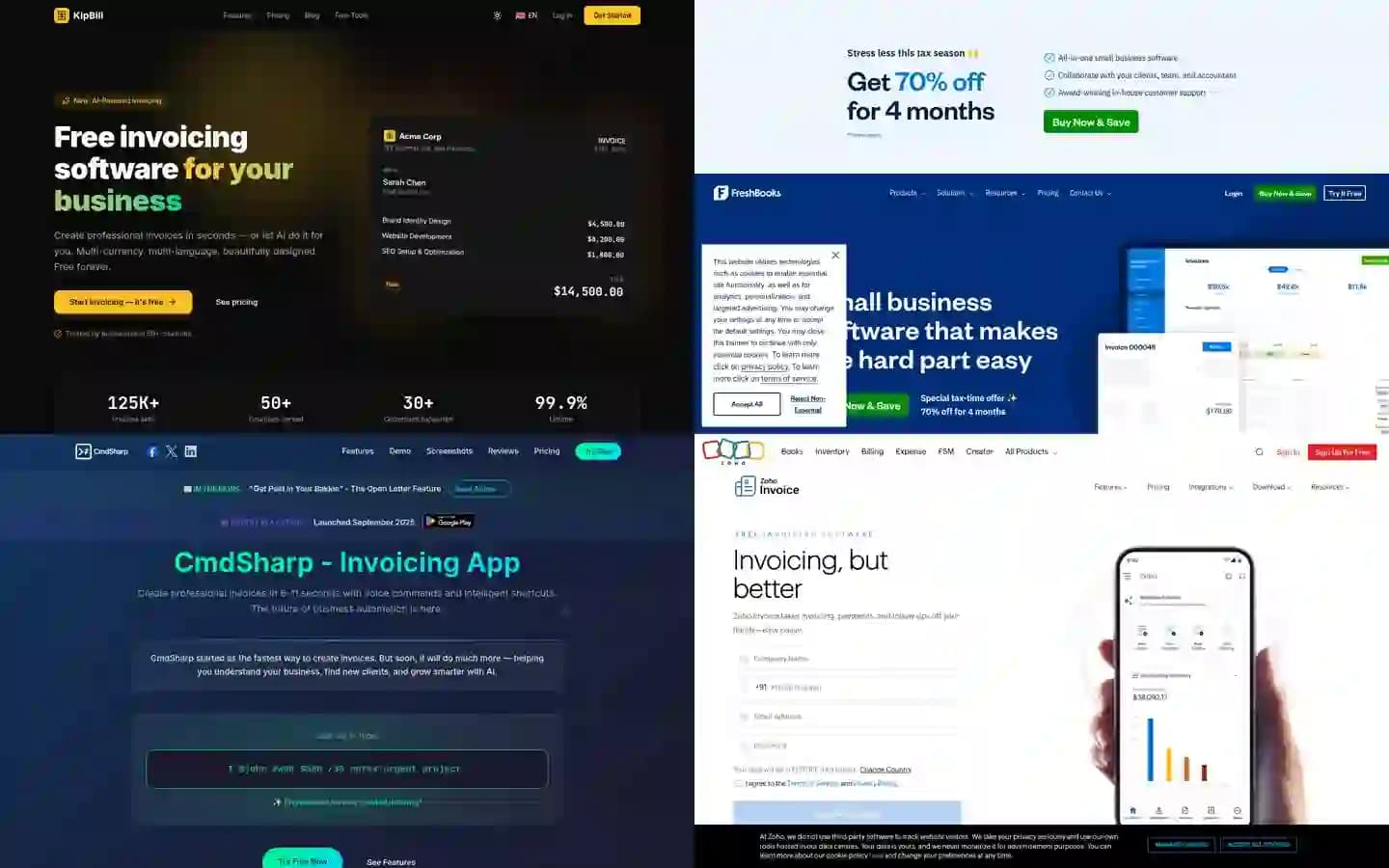
7 Best AI Invoicing Software in 2026 (Tested & Compared)
We tested 7 AI invoicing platforms head-to-head. Voice commands, conversational AI, receipt scanning — see which one actually delivers. Real features, real pricing, honest comparison.
Start invoicing for free
Create professional invoices in minutes with KipBill, like freelancers and small businesses in 40+ countries.